Hoppers
VenuesList your eventGet the app
Hoppers

Discover, plan and experience the best events across Uganda.

Get it onGoogle Play
Download on theApp Store

Discover

  • Browse events
  • This weekend
  • Free events
  • Places to go out
  • Categories

For organizers

  • Sell tickets
  • Pricing
  • Create account
  • Sign in

For venues

  • List your venue
  • Create account
  • Sign in

Company

  • About
  • Contact
  • FAQ
  • Help
  • Privacy
  • Terms

Cities

  • Arua
  • Entebbe
  • Fort Portal
  • Gulu
  • Hoima
  • Jinja
  • Kampala
  • Lira
  • Masaka
  • Mbale
  • Mbarara
  • MTN MoMo
  • Airtel Money
  • Visa
  • Mastercard
  • Instagram
  • TikTok
  • Snapchat

© 2026 Hoppers Ltd. All rights reserved.

  1. 1Get started

    • Get the Hoppers app
  2. 2Find something to do

    • Find events
    • Explore venues
  3. 3Book

    • Buy tickets
    • Reserve a table
  4. 4On the day

    • Use your ticket
  5. 5If plans change

    • Get a refund

Help and guides / Event-goers

Get a refund

When you can get your money back for a ticket or a table, how to cancel a reservation, and who to contact.

  1. 1

    Ticket refunds come from the organizer

    In the Hoppers app

    Tickets are non-refundable unless the organizer gives you a refund. Each event’s refund policy is on its screen in the app, under “Refund Policy”. If the organizer cancels the event, everyone who paid through Hoppers is refunded automatically. Either way, the money goes back the way you paid, for example to your mobile money number, and we email you when it is on its way.

    The booking fee and the payment processing fee are not refunded.

  2. 2

    Cancel a table reservation

    In the Hoppers app

    In the app, go to “Profile”, then “My Reservations”. On the reservation, tap “Cancel Reservation” and confirm with “Cancel reservation”. Tables you paid for together are cancelled together. This cannot be undone.

  3. 3

    When you get a reservation fee back

    In the Hoppers app

    Each venue sets its own rules, which the app shows before you pay. If the venue made the fee refundable and you cancel before its cutoff, you are refunded, less the transaction fee. After the cutoff, or if the fee is non-refundable, you are not. If the venue cancels your reservation, you are refunded in full.

  4. 4

    Ask us for help

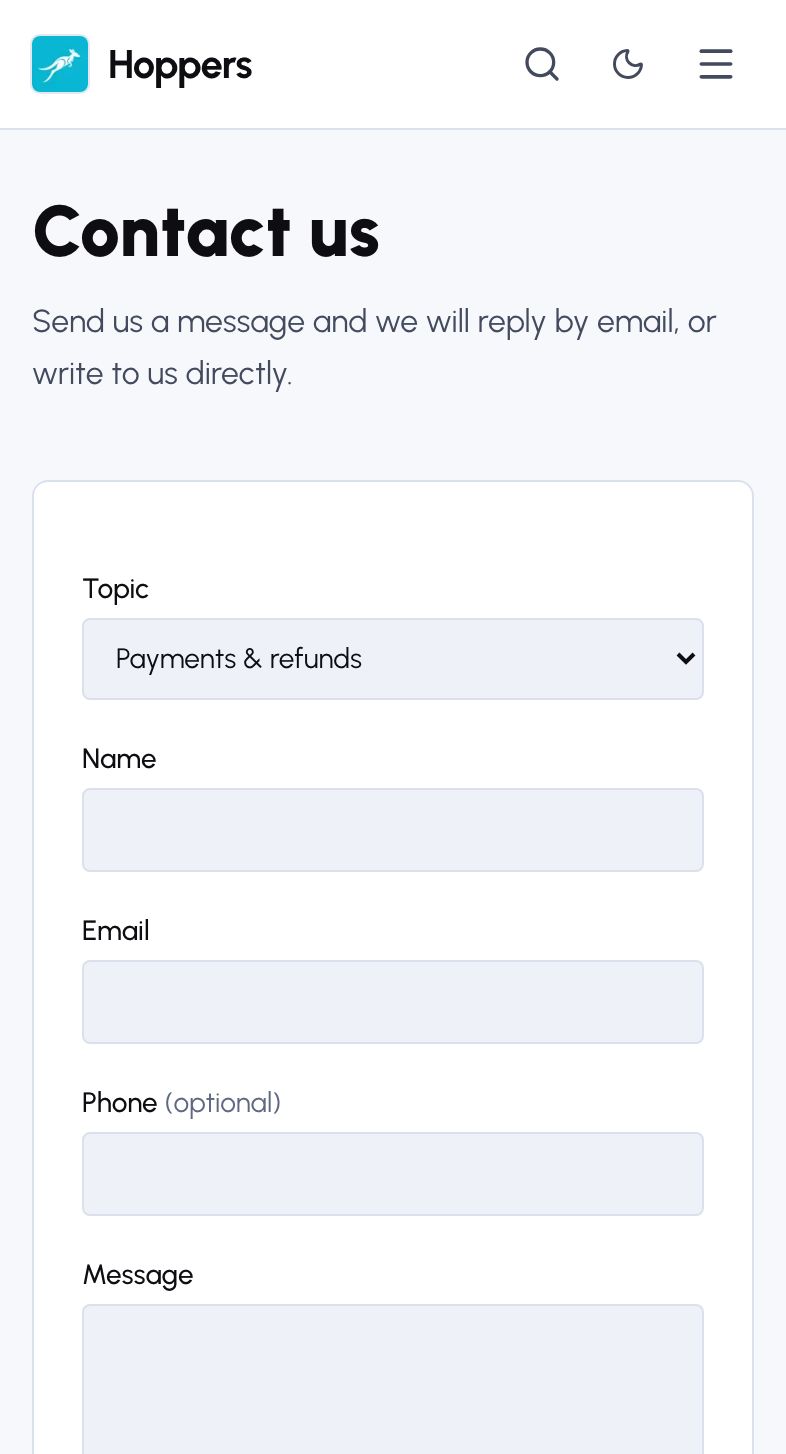
    Something wrong with a payment or a refund? On hoppers.ug, select “Contact” in the menu. Choose “Payments & refunds” under “Topic”, add your name, email and a message with your booking ID, then select “Send message”. We reply by email.

    In the app, tap the three dots on a booking and choose “Contact Support”.
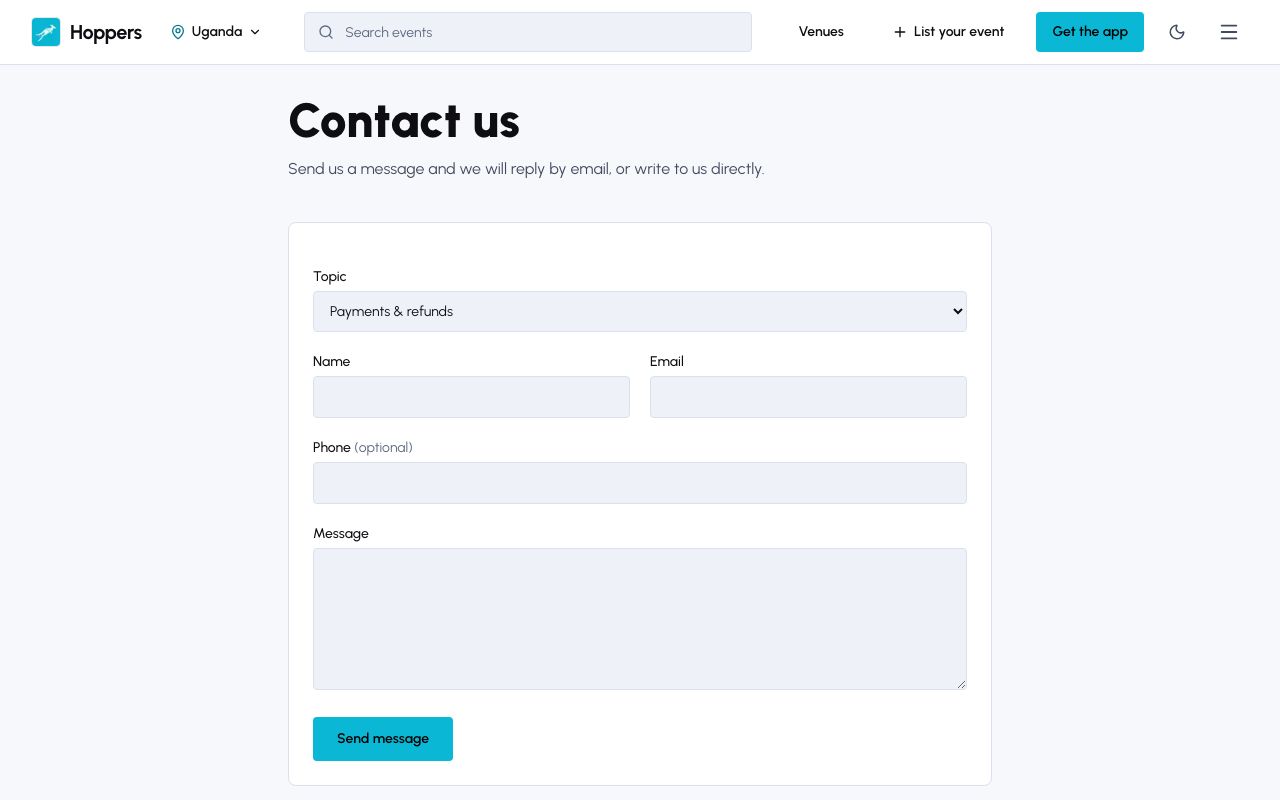
    Ask us for help: Hoppers website on a computer
    Ask us for help: Hoppers website on a phone
PreviousUse your ticket