Pick a table at a venue, choose your date, time and party size, and pay the reservation fee in the Hoppers app.
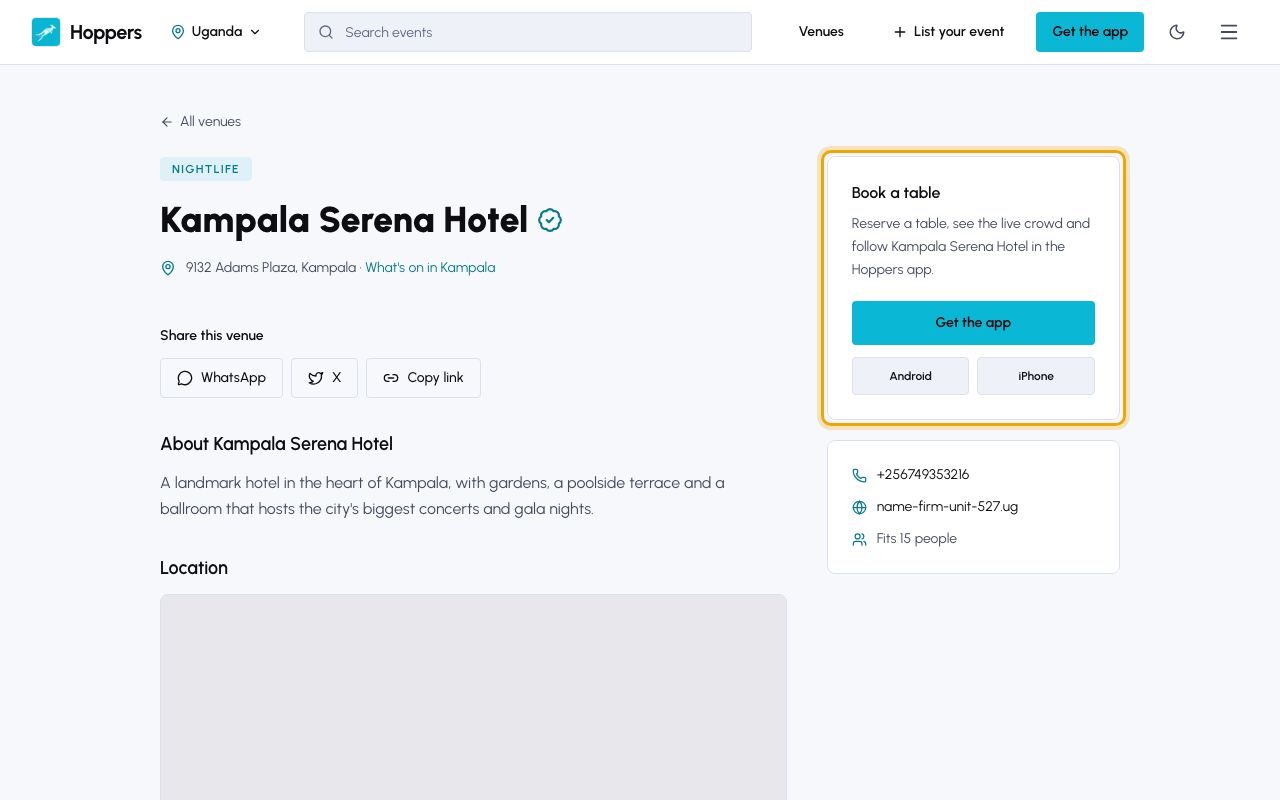
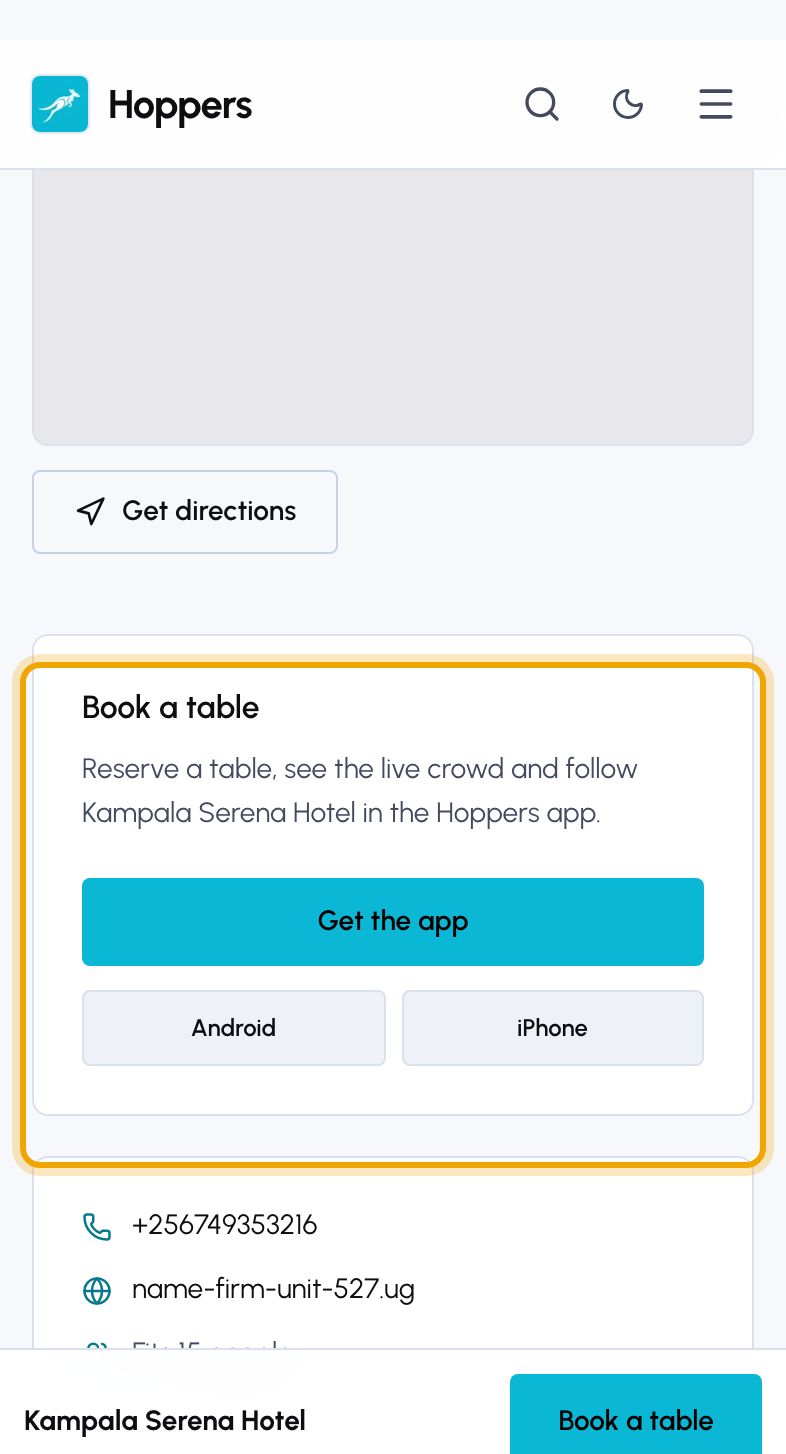
Open the venue on hoppers.ug, or search for it in the app. The “Book a table” panel on the website takes you to the app, where tables are reserved.
On the venue’s screen in the app, tap “Make a Reservation” at the bottom.
On “Select a Table”, tables are grouped by section, such as VIP or Terrace. Each shows how many people it seats and its “Reservation fee”. Tap a table to select it, then tap “Continue”.
The reservation fee is your minimum spend: it is deducted from your final bill at the venue.
On “Reservation Details”, set how many “Guests” are coming, then choose the “Date” and the “Time” you will arrive. Only times the table is free are offered. Tap “Continue”.
“Confirm Reservation” shows the table, your arrival time and the total, which is the reservation fee plus any service fee. If you have already paid the venue another way, you can “Attach proof” of payment. Tap “Continue to Payment”.
A table with no reservation fee shows “Reserve” instead. The venue then confirms your reservation, and you pay at the venue.
Choose a payment method and pay as you would for a ticket: with “Mobile Money” and the prompt on your phone, or with a card. The table is held for you while you pay. If the time runs out, start again, as the table may have been taken.
“Your reservation has been confirmed” appears once the payment is through. Tap “View Reservation” to see it. You can find it again under “Profile”, then “My Reservations”, or in the “Bookings” tab under “Tables”.
Yes, from “My Reservations”, up to the venue’s cancellation cutoff. Whether you get the fee back depends on the venue. See the guide on getting a refund.
